RawFootage Lab
FREE RAW VIDEOS TO EDIT — NO SIGNUP Required

Free Raw Videos for Editing
— Download Raw Footage for Editing Practice

Download free raw videos for editing — camera-original raw footage for editing practice including 4K raw footage download, cinematic raw clips, log footage for color grading, and unedited video footage for beginners. No signup required.

Browse Footage Packs

Scroll to explore 10 free raw clips

Premium raw footage built for creators using

Adobe Premiere Pro
CapCut
DaVinci Resolve
Final Cut Pro
Canva
Adobe Premiere Pro
CapCut
DaVinci Resolve
Final Cut Pro
Canva

Free Raw Footage for Editing Practice

Download unedited raw videos for color grading, cutting, and sound design

10 clips available
Category:
Podcast Clip for Editing2:32
1080p
Get ClipSource:

Podcast Clip for Editing

Podcast366 MB
Demon Slayer Raw Clips for Editing2:24
1080p
Get ClipSource:

Demon Slayer Raw Clips for Editing

Anime20.8 MB
Demon Slayer: Rengoku's Death Scene - USE Background Music While Editing3:44
1080p
Get ClipSource:

Demon Slayer: Rengoku's Death Scene - USE Background Music While Editing
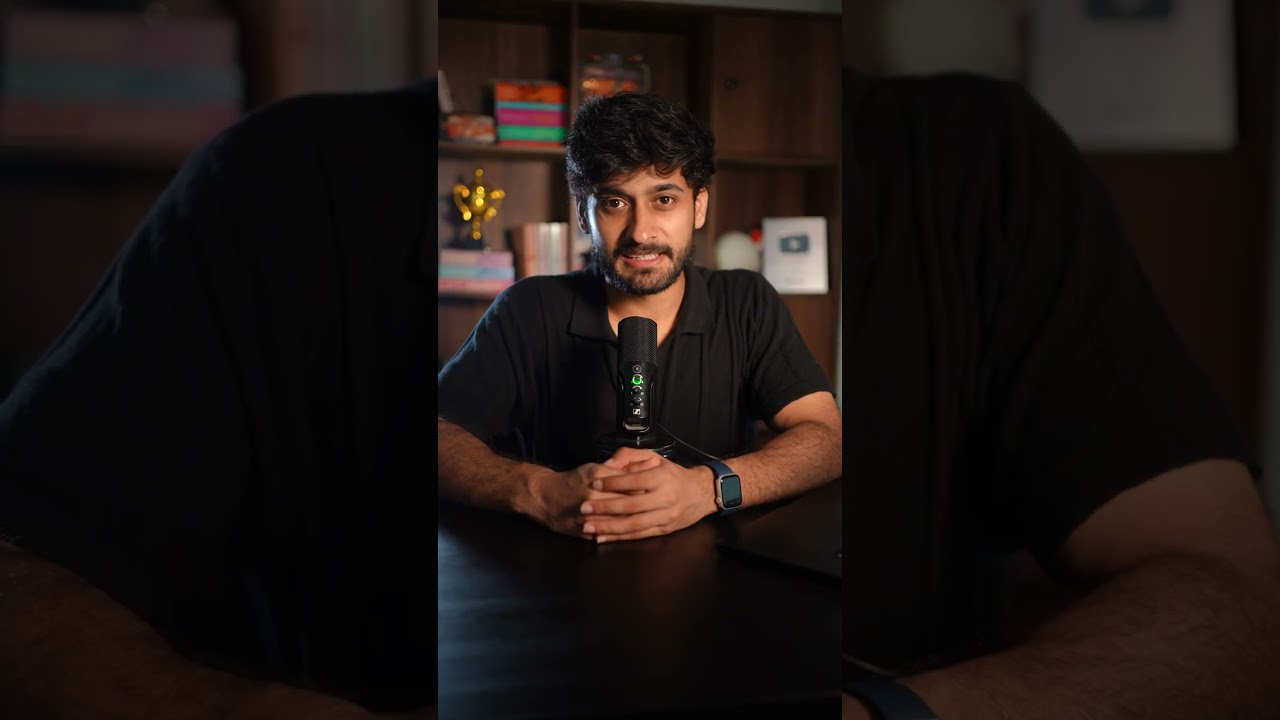
Anime13.1 MB
Raw Footage for Reel Editing A-Roll3:59
1080p
Get ClipUser

Raw Footage for Reel Editing A-Roll

Reels575 MB
Owen Cooper Emmy Award Speech1:57
1080p
Get ClipBroadcast

Owen Cooper Emmy Award Speech

Film Award315 MB
Real Estate Property Tour Raw Footage for Shorts0:49
Beginner1080p
Get ClipUser

Real Estate Property Tour Raw Footage for Shorts

Real Estate7MB
Raw standing footage for editing Like Alex hormozi tutorials11:11
1080p
Get ClipStudio

Raw standing footage for editing Like Alex hormozi tutorials

Business/Tutorial174 MB
Raw Talking head tutorial video for editing practice9:36
1080p
Get ClipStudio

Raw Talking head tutorial video for editing practice

Business/Talking Head198 MB
Color Grading Raw Footage Pack2 min 11 sec
Beginner1080p
Get ClipVarious

Color Grading Raw Footage Pack

Color Grading30MB
Raw Podcast clip for editing0:32
1080p
Get ClipStudio

Raw Podcast clip for editing

Podcast124 MB

Tell us what kind of footage you want to see next!

Join Our Community

Get Job Updates & Network

Join our Discord community for editing job postings, feedback on your cuts, and networking with other editors.

Join Discord

Frequently Asked Questions About Raw Footage for Editing

What is raw video footage and does it mean unedited?
Yes, raw video footage means unedited, camera-original video files straight from the sensor — no color grading, no cuts, no compression artifacts from editing codecs. It preserves maximum dynamic range, color data, and detail for professional color grading and VFX work. Raw footage is the digital negative equivalent in video production.
Where can I get free raw video footage for editing practice?
RawFootage Lab (rawfootagelab.com) provides free raw video footage for editing practice hosted on YouTube with direct download links. No signup required. Other sources include Pexels Videos, Pixabay, Videvo (free tier), Mixkit, and Mazwai — though most offer compressed stock footage rather than true camera-original raw files.
How do I edit raw video footage for free?
You can use industry-standard free editors or free trials of professional software to edit raw footage. Highly recommended options include: DaVinci Resolve (Free Version): The industry standard for color grading and raw editing; it natively supports raw formats like BRAW, ProRes RAW, and RED. CapCut (Desktop): A user-friendly, free option excellent for quick cuts, automated effects, and vertical video formats. Adobe Premiere Pro & Final Cut Pro: While these are premium, paid industry giants, they both offer free trial periods fully compatible with professional raw workflows and plugins.
Where can I download raw videos for editing practice with a direct link?
RawFootage Lab (rawfootagelab.com) hosts all clips on YouTube with direct download links for every clip — no redirects, no wait times, no signup. Each footage pack includes camera-original raw files (ProRes, BRAW, LOG formats) ready for Premiere Pro, DaVinci Resolve, Final Cut Pro, and CapCut.
What are the best sites for raw footage to edit?
Top sites for raw footage: 1) RawFootage Lab — free camera-original raw clips with direct downloads, 2) RED Digital Cinema sample footage — official RED RAW samples, 3) Blackmagic Design sample footage — BRAW test files, 4) Sony/Panasonic/Canon official sample reels — manufacturer raw test footage, 5) Vimeo Staff Picks (download enabled) — some creators offer raw downloads.
What is the difference between raw footage and edited video?
Raw footage is unprocessed sensor data — flat log profile, full dynamic range, no color grade, no cuts, no audio mix, no effects. Edited video is the final product: color graded, cut to timing, sound designed, with transitions, text, VFX, and compressed for delivery (H.264/HEVC). Raw = maximum creative control; Edited = finished story.

Best Sites for Raw Footage to Edit

Looking for the best sites for raw footage to edit? RawFootage Lab (rawfootagelab.com) is your destination for free raw footage download and royalty free raw footage for editing practice. Whether you need 4K raw footage for color grading, cinematic raw footage free clips, or nature raw footage for editing, our library has you covered.

We provide sample footage for video editing across multiple genres including podcast clips, anime scenes, real estate tours, talking-head tutorials, and more. Each clip comes with video editing practice footage suggestions, helping beginners to edit like pros. Our unedited video footage download options include everything from log footage for color grading practice to free b-roll to practice editing.

Where to Download Raw Footage for Free

If you're wondering where to download raw footage for free or how to practice video editing, you've come to the right place. Our platform offers raw video clips free download with no strings attached. From raw footage download free options to premium 4K raw footage download packs, all our clips are ready for you to import into Premiere Pro, DaVinci Resolve, CapCut, Final Cut Pro, and more. Start practicing today with Raw Footage Lab (rawfootagelab.com).